Platforma CRM
Clients and teamsFocus on clients. Stay on top of work.
Enquiries, tasks and appointments in one workspace.

 New solutions in IT
CRM, AI assistants and a B2B marketplace for everyday work.
Focus on clients. Stay on top of work.
Enquiries, tasks and appointments in one workspace.
Contacts, conversation history, enquiries and deals. Keep the next step visible to your team.
Specialists, available times, rescheduling and cancellations for everyday front-desk work.
Assign owners, set deadlines and follow up with the client’s history at hand.
Initial focus: dental clinic administrators. Medical records and clinical decisions are outside the CRM’s scope.
Record the contact, question and responsible team member.
Choose a service, specialist and available time slot.
Create a task or update the appointment when the client’s plans change.
Keep the history in the client’s profile for their next enquiry.
The right supplies. Clearer purchasing.
Dental supplies, supplier offers and purchasing for clinics in Kazakhstan.
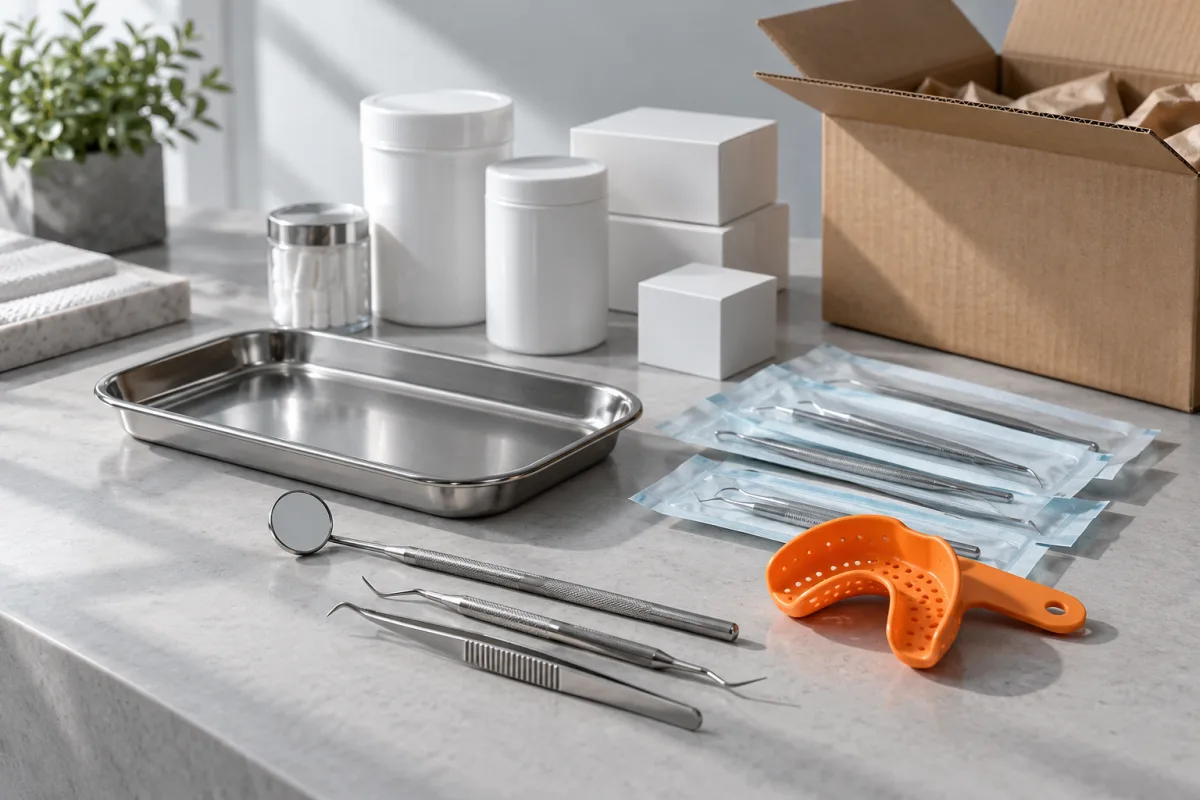
Compare offers and combine items from several suppliers in one cart.
Manage your range, prices and stock. Import price lists and process orders in your workspace.
Order contents, conversations and activity history stay connected to the shipment.
Payment, delivery and accounting integration options are agreed before onboarding.
Browse the range and supplier offers.
Choose the products and quantities your clinic needs.
Confirm availability and terms with each supplier.
Check statuses, messages and your purchase history.




 NCA RK
Assistants for client conversations and pricing workflows.
In touch with clients. In context.
An AI assistant uses your company knowledge, helps with booking and hands complex questions to your team.

Services, prices and conversation guidelines from connected sources.
Service and available time selection. Creating an appointment depends on the permissions you grant.
When a person is needed, the conversation and context pass to your team.
We’ll demonstrate available channels and scenarios. External messenger connections are discussed separately.
Prepare information about your business, services and booking.
Choose when the assistant can act and when staff confirmation is required.
Walk through common questions and booking scenarios in a demo.
We’ll confirm an available connection and the handoff process.
Prices change. You set the rules.
Competitor monitoring and automatic price changes for an agreed workflow.

We’ll define the products, marketplace and automatic pricing rules.
We’ll discuss data sources and the constraints that matter.
We’ll agree on the reporting your business needs.
Support for your marketplace will be confirmed before onboarding.
Which marketplace, products and tasks need automation?
Agree on the bot’s actions and pricing rules.
Confirm integration availability for your seller account.
Agree on cost, configuration and monitoring.
Choose what you do. Explore the right starting point.
CRM + AI Bots / Market
CRM helps organise client work. Market supports purchasing. Start with the area you need.
Discuss this workflowMarket
Explore catalogue imports, offer management and order processing in the supplier workspace.
Discuss this workflowMarket Bots
Start with your marketplace and pricing rules. We’ll check which actions can be automated.
Discuss this workflowTell us about your team, tools and the work you want to simplify.
Walk through the relevant actions in a demo and get your questions answered.
Agree on available features, connections, pricing and timing.
Yes. We’ll show the available workflows and discuss your needs. Onboarding, pricing and timing are agreed after the demo.
No. Start with CRM, Market, AI Bots or Market Bots. We’ll discuss any connections between solutions separately.
Dental clinic administrators are the CRM’s first target users: enquiries, clients, appointments, tasks and conversations. Medical records and clinical decisions are outside its scope.
Connections depend on the product, your system and the provider. We’ll confirm supported workflows and terms before launch. A partner logo does not mean every service is already connected.
The products are in development and preparation for real-world use. The demo will show implemented features and clarify what is available for your onboarding.
Choose a solution and get in touch. We’ll start with your needs.
info@platformadigital.kz +7 706 446 82 41Your chosen app will open with a prepared message.